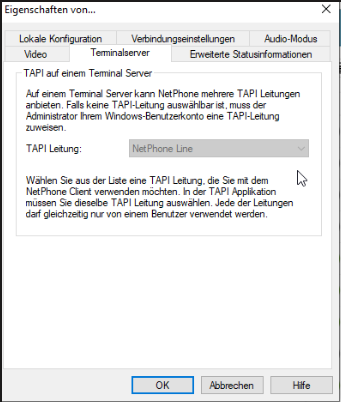
TAPI Installation
Installation
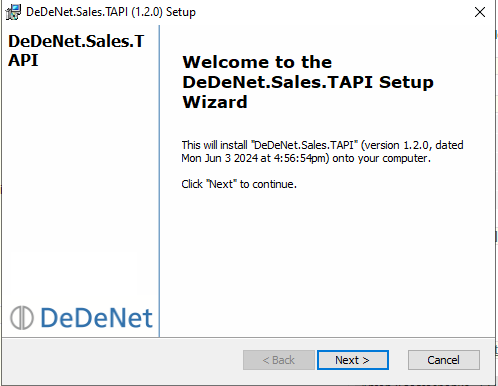
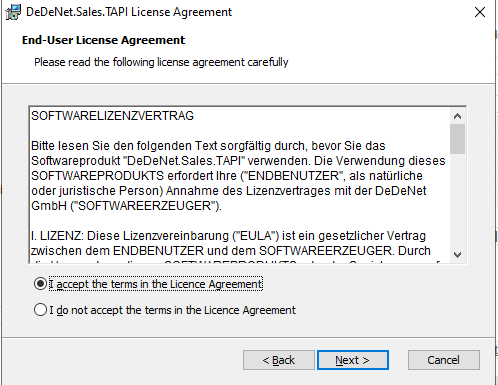
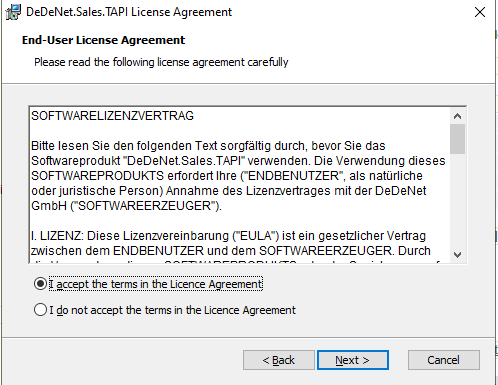
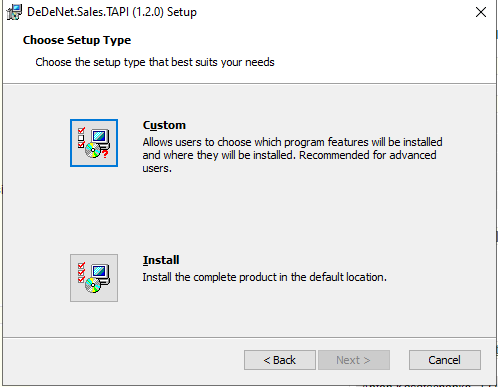
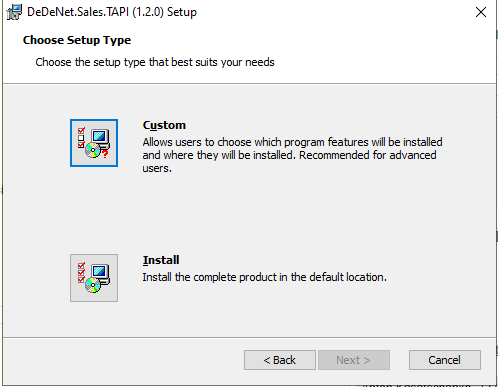
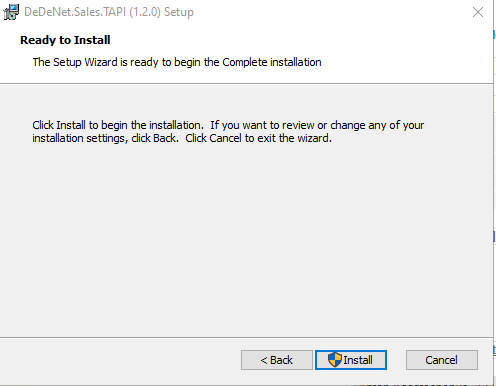
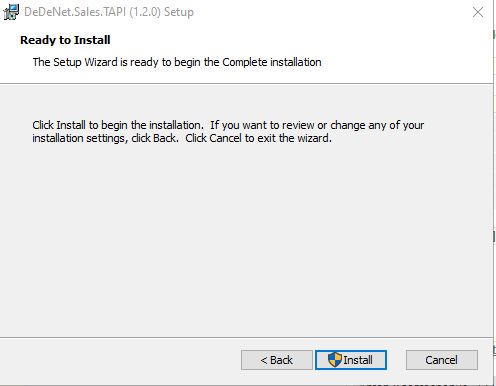
After the installation is completed, the corresponding TAPI client icon will appear in the system tray.
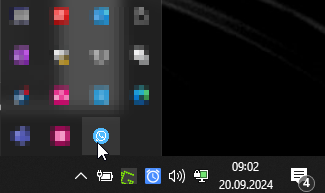
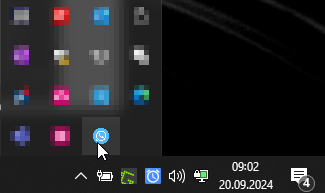
Right-click here to open the Settings:
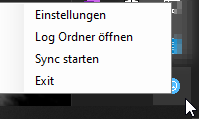
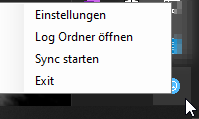
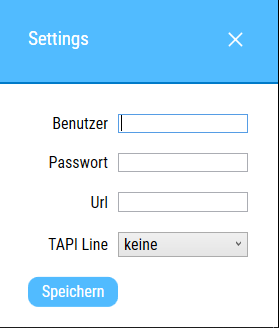
Enter the desired Data at this point:
User: Your Sales rep. Number from the backend
Password: You set the Password in the backend in your Employee using the button:


URL: Here you enter the URL to your backend
TAPI Line: here you activate the telephone software
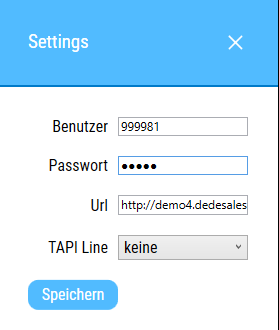
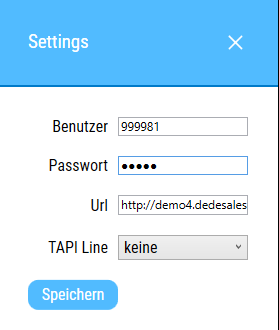
Save everything.
If the TAPI Line cannot be selected, it must be added here: