Setup Appointments and Contacts
After the initial setup of the DeDeSales Client, you can activate the synchronisation for appointments and contacts as follows.
Access permissions to the external apps are required; if necessary, permission prompts may appear when these settings are configured for the first time.
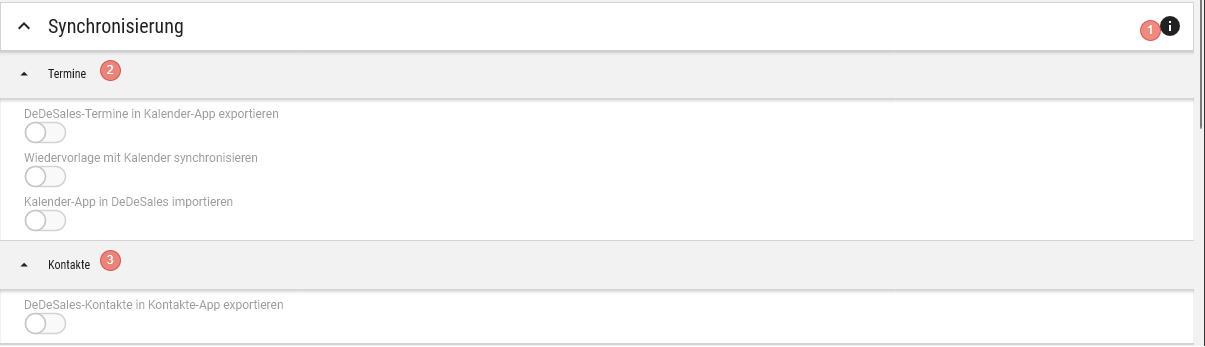
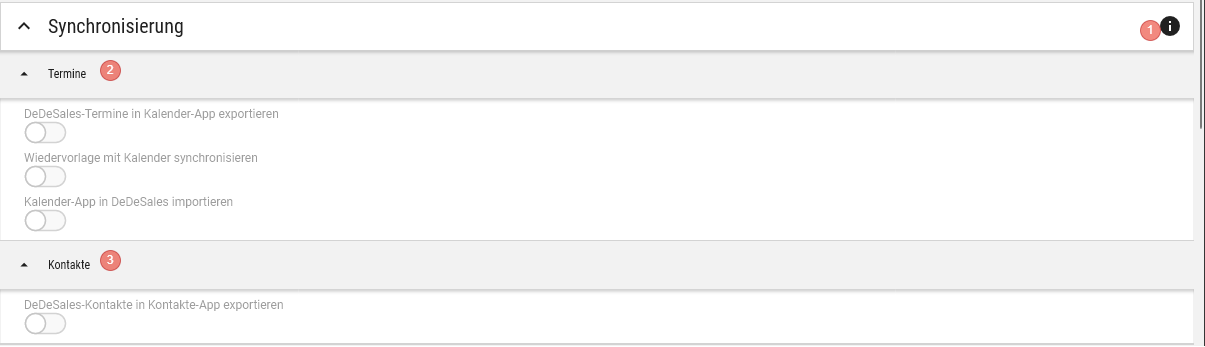
In the Client Settings under Synchronisation, you have the following options:
1. Client ID
For contact and appointment synchronisation to work under Windows, the following steps are necessary. Here you can determine and copy the Client ID.
2. Appointments
If you activate the option "Export appointments to Calendar app", you can select under Synchronisation target whether the local Calendar app (Local) or, for example, an Exchange account (e.g. Microsoft Azure) should be used. The selection "Synchronisation target" is only available on iOS and Android.
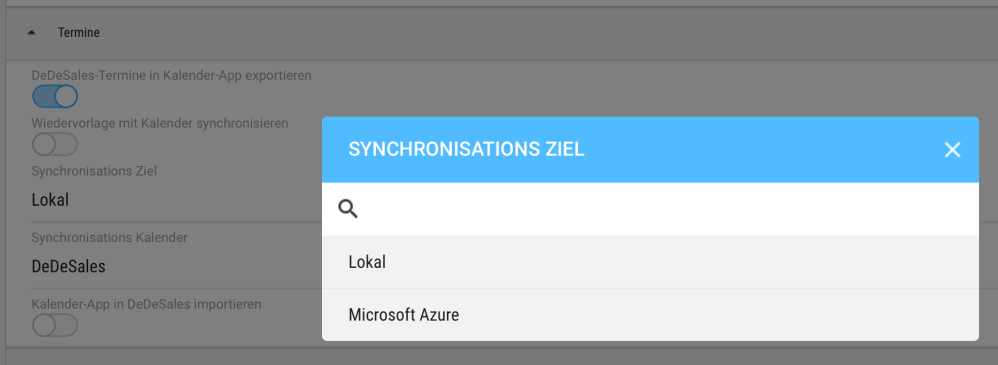
Under Synchronisation calendar, you can select a calendar that is available in the synchronisation target. If you make no selection here, a calendar named DeDeSales will be created. (Rights to create calendars are required)

Under "Synchronise follow-up with calendar" you can activate that appointments for the follow-up from tasks are synchronised with the calendar. The target selection from "Export appointments to Calendar app" is adopted here. If no selection was made there, you can make a target setting here.
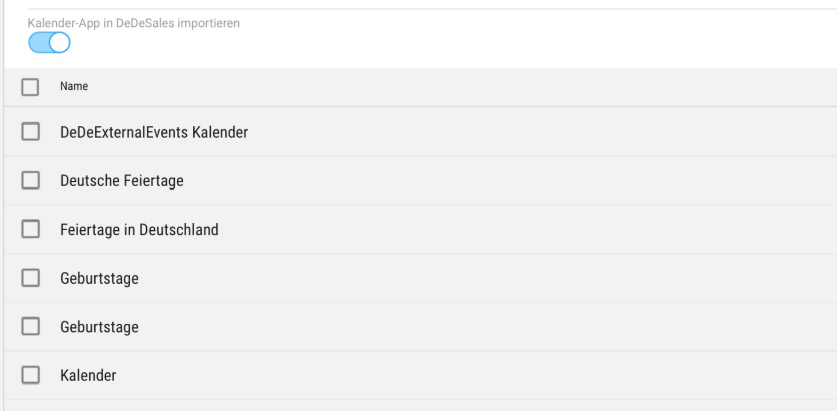
Under "Import Calendar app into DeDeSales" you can activate that appointments from an available calendar are imported into the DeDeSales app. After activating, you can select an available calendar.
3. Contacts
If "Export contacts to the Contacts app" is active, all contacts will be exported to the Contacts app.
Save / Disable
After you have finished the settings, you can apply them by clicking "Save". After setting up calendar synchronisation, it can only be changed again after you have disabled and re-enabled the setting.
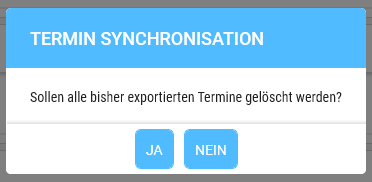
If you disable the synchronisation of appointments, a prompt will appear asking if you want to delete the exported appointments.