
Enable device for new installation
Each employee is shown a generated QR code when newly created. This is hidden as soon as the first Data Transfer has been performed. Instead, you will then only see the button "Enable device for new installation".

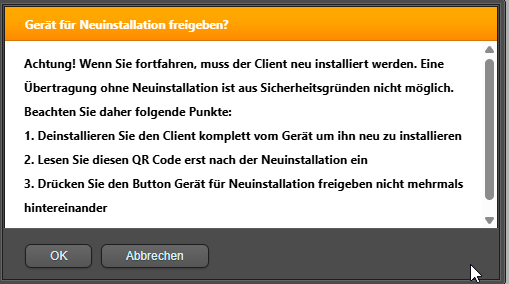
If you are unsure, select "Cancel".
After pressing "OK", the generated QR code is displayed. The QR code can be used multiple times as long as the Device number has not changed, i.e. when creating a new employee, you can save the QR code.
In plain text, the employee as well as the device (main device | multi-device 1 | multi-device 2) are displayed, so that later Assignment can take place with multiple employees and the code does not have to be downloaded repeatedly (unless the Device number has changed).