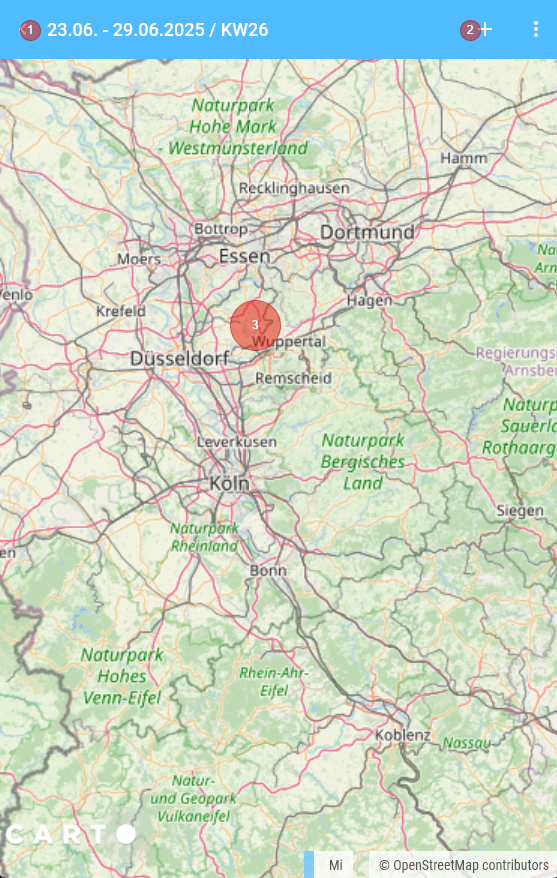
Portrait Mode
In Portrait Mode, the information is displayed in a more compact form.
Calendar Area
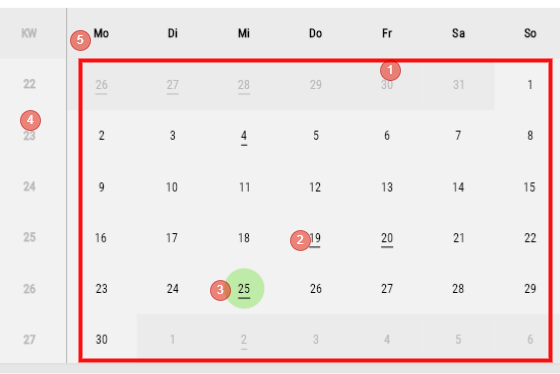
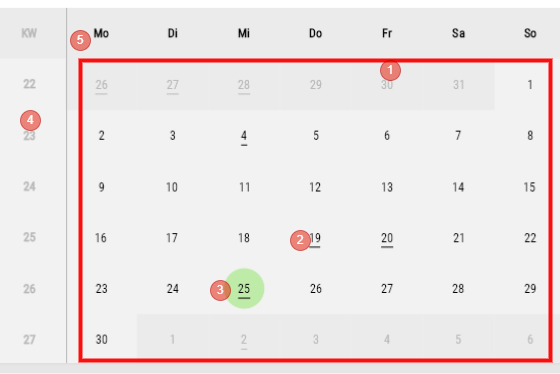
- Calendar
- Days with an underline indicate that at least one Appointment is stored here
- Current Day
- Week
- Days of week
List View of Appointments on a Day
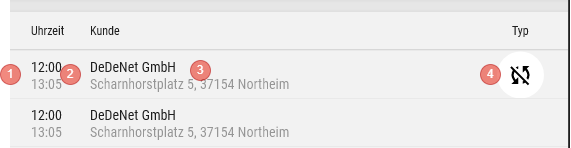
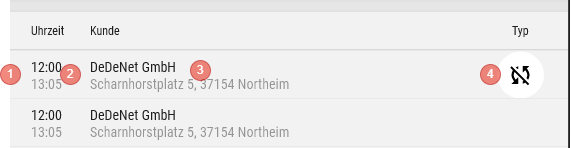
- Colour code
- Time (Start and End)
- Customer with Street and Location
- Appointment Type (see here)
- Clicking on an Appointment opens the Appointment mask
- Context menu (Swipe or Right-click)
- Edit
- Delete
- Customer
Navigation


- Previous Period
- Next Period
- Today (jumps to the current Period and selects the current Day)
Map view