Clients
Here the Configuration parameters for the clients (sales organisations / distribution channels) are created.
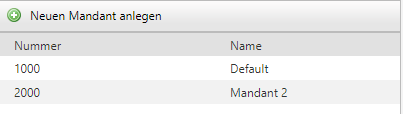
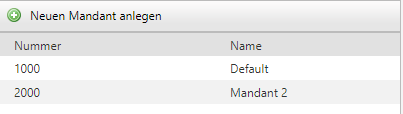
Use the plus to create a new client or select an existing one from the list to modify data.
Among other things, you can set client-specific Minimum order values, minimum delivery times, etc. An explanation of the individual points can be found each time you hover the mouse over the 
 symbol and pause briefly.
Free carriage limit and Freight costs
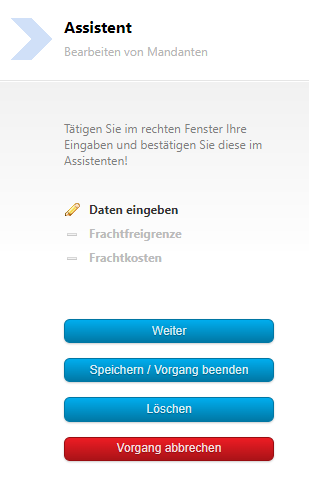
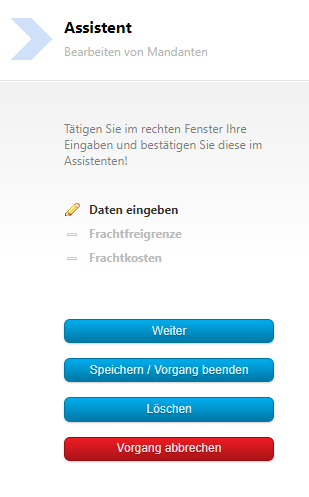
Using the Assistant, you reach the desired page with the "Next" button.


1. Add new entries
Here you create new entries via the plus "Add".
2. Delete entries
If you want to delete an entry, press the bin icon.
3. Modify entries
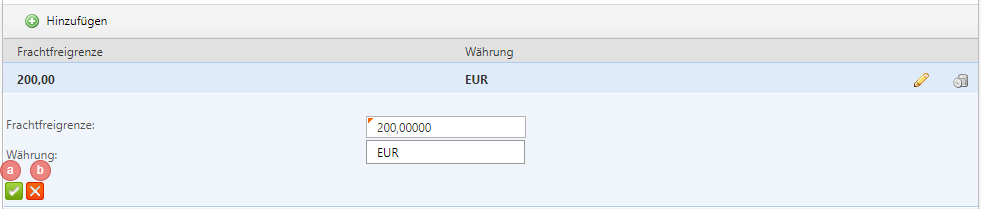
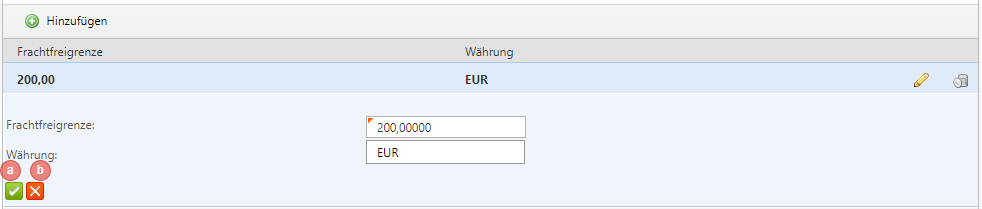
Modify existing entries using the pencil on the right edge; be sure to confirm this with the green tick at the bottom left (a) or discard the entry with the red X (b).