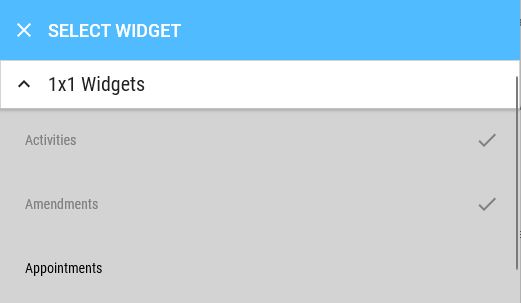
Manage Widgets
You can customise widgets as follows:
Right-click on a widget to open the corresponding context menu. On iOS and Android, use a long press.
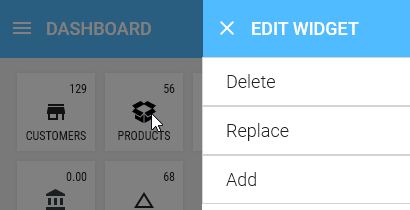
Delete
Removes the widget
Replace
Replaces the widget with another that is not yet present on the dashboard
Add
Inserts a widget not yet present on the dashboard to the left of the selected one. This allows you to "insert" widgets in between.
Add
By default, widgets are already partially displayed. If you want to add more widgets without replacing or inserting one, right-click on the grey area next to a widget. All available widgets will be shown to you.