Statistics - Display transferred orders via the backend

In the header area, you will find the PDF icon, through which you can generate an Order suggestion on the web.
The Items tab shows you all information about the order items (e.g. Unit price or Discounts)
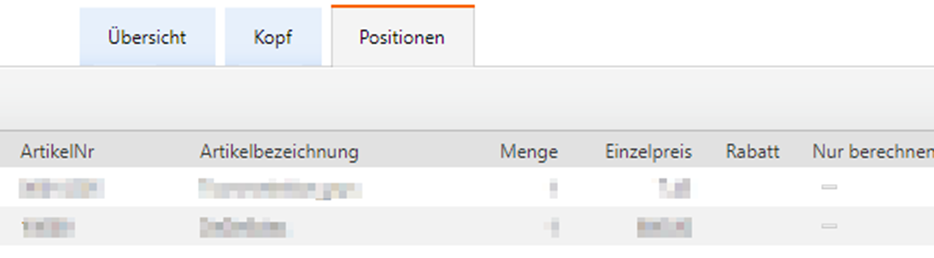
The Summary tab takes you back to the (possibly previously filtered) table with the brief information.
Display orders of a Change agent

Switch to the Change agent area and call up Orders
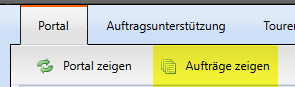
Here you will find all orders documented by the Change agent in the selected Period. You can view the order in detail via the Order number. This corresponds to the menu item "Show orders" from the portal.
Display orders of a Customer

Switch to the Customer area and call up Orders
Here you can view all orders for the Customer in the desired Period. The Order number is in blue text, which means you can view the order in more detail by clicking on the number. The view corresponds to the item "Display orders" from the portal. Possible quick orders that occur without a Visit are also displayed.